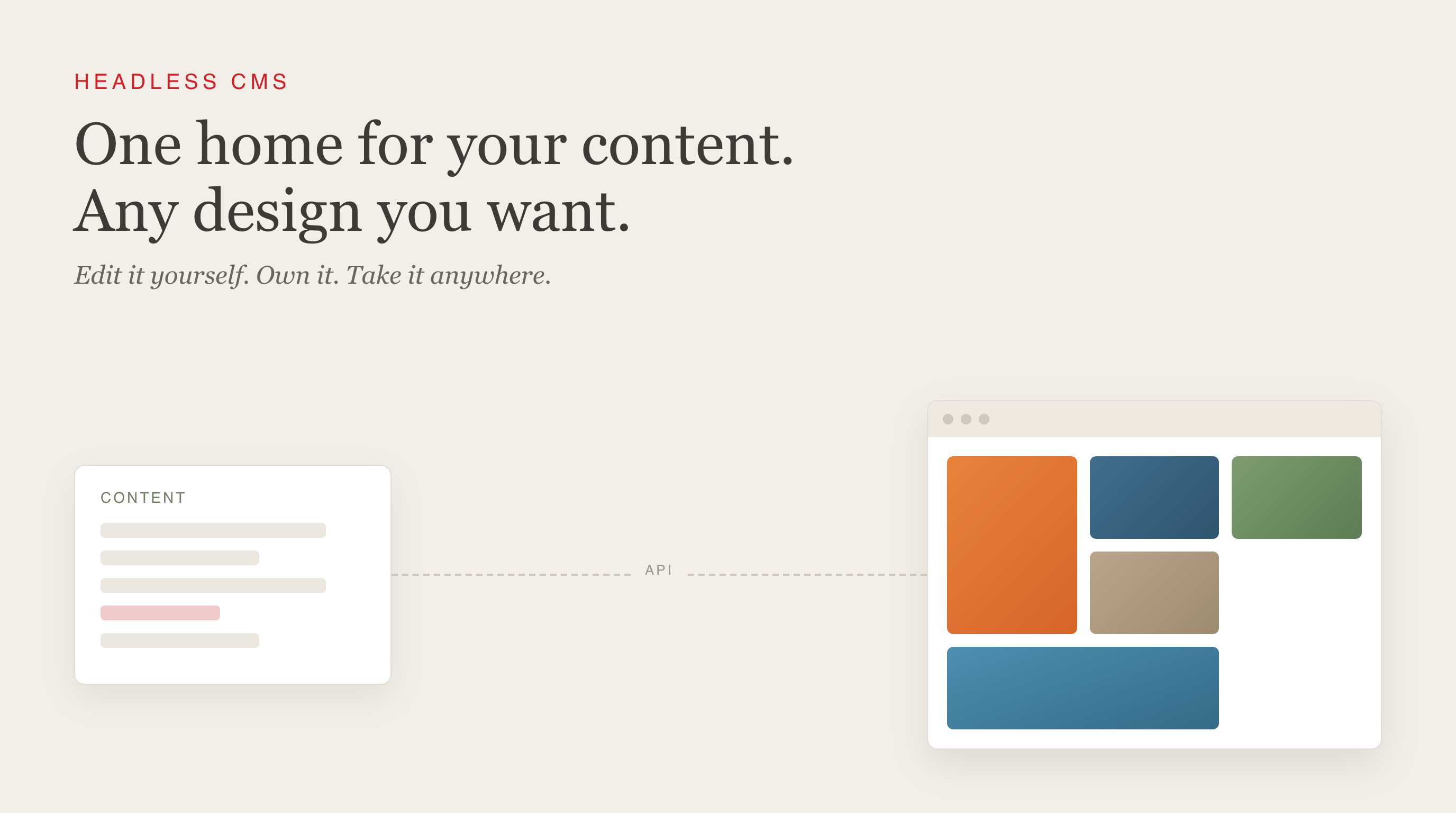
I have spent the last few weeks deep in something I did not know much about before: moving a real website off a closed, templated platform and onto what people call a “headless” setup. I am still learning it and wanted to share what has actually clicked, for anyone who runs a small business or a personal site and has ever felt boxed in by their website tools.
The thing most website platforms quietly do
Most website builders, think Squarespace, Wix, and a lot of industry-specific platforms, bundle two very different jobs into one product:
- The editor you log into to change words and images.
- The templates that decide how the site can look.
They are welded together. That is why you can only arrange things the way the template allows, and why a truly custom design usually is not possible. It is also why, when you outgrow the platform, leaving is painful. Your content lives inside their system, and sometimes you cannot even export your own images at full quality. This is the case with the platform used by the gallery redesign I am working on, and why I came to learn a little more about this particular area.
What “headless” actually means
A headless CMS splits those two jobs apart.
- One system stores and edits your content (your text, images, products, artworks) as plain structured data. This is the “CMS.”
- A separate system turns that content into the actual website, with a design that can be anything you build.
“Headless” just means the content system has no website of its own, no fixed “head.” It hands your content to whatever front-end you point at it.
Because the two are separate, two good things happen at once: the design is completely yours, and you still get a friendly screen to edit content. And because your content sits in its own system, you own it and can take it with you.
| Templated platform | Headless setup | |
|---|---|---|
| Design freedom | Limited to templates | Whatever you build |
| Who edits content | You, easily | You, easily |
| Own & export your content | Often hard | Yes |
| Setup effort | Minutes | Needs a build up front |
| Best for | Standard sites, fast | Custom sites, growing needs |
The honest trade-off: a headless setup takes real work to build the first time, and edits are not always instant (many setups rebuild the site in about a minute after you publish). For a gallery, a studio, or a small brand, that is a non-issue. For a breaking-news site, it might matter.
The pieces, without the jargon
A headless site is usually three layers:
- The content layer (the CMS): where you and your team edit. Common names: Sanity, Contentful, Strapi, Storyblok, Kontent.ai, Prismic, Hygraph, Payload. They differ mostly in who they are built for. Storyblok leans toward marketers who want visual editing; Strapi is the popular open-source, self-hosted option; Contentful sits in the enterprise world; Sanity is loved for flexibility.
- The build layer (the front-end): a tool that turns your content plus your design into finished pages ahead of time. Astro and Next.js are common choices.
- The host: where the finished site lives and is served fast worldwide. Cloudflare Pages, Vercel, Netlify.
Most people are still on templates, for now
Most of the web still runs on traditional, all-in-one platforms. WordPress alone powers around forty-three percent of all websites, and hosted builders like Squarespace and Wix account for many more. Headless is still the smaller, newer slice, only about five to six percent of the CMS market today.
But when you look at the direction, this seems to be shifting. The headless share roughly doubled in the past year. And analysts sizing the market, who land anywhere from about one billion to a few billion dollars in 2025 depending on how they count, agree it is growing on the order of twenty percent a year. In plain terms: most people are still renting a template, and a fast-growing group is choosing to own their stack instead.
Could headless be an option for you?
If your template does everything you need, genuinely, stay put. Simple is a feature. But if you have ever thought “I wish I could change this and I can’t,” or “I’m nervous I can’t get my own content out,” that feeling is worth taking seriously. That is usually the moment headless starts to make sense.
Right now I am moving a real gallery, Susan Street Fine Art, off a closed platform and onto a headless setup they will own and edit themselves. That project is what sent me down this whole path, and it is where I am learning most of this in practice.
Getting to pick up a whole area like this quickly, test it on something real, and share what I find while it is still fresh is honestly one of my favorite parts of building with AI right now. If you run a small business or a personal site and you are weighing a re-platform, that is exactly the kind of work I do at Program Edge. I would love to compare notes.